Branding
Branding makes the ready-made storefront look consistent with your product without changing its code. Open the platform and select Site theme: settings on this page control the site layout and visual system. The platform logo and favicon are configured separately in Platform settings.
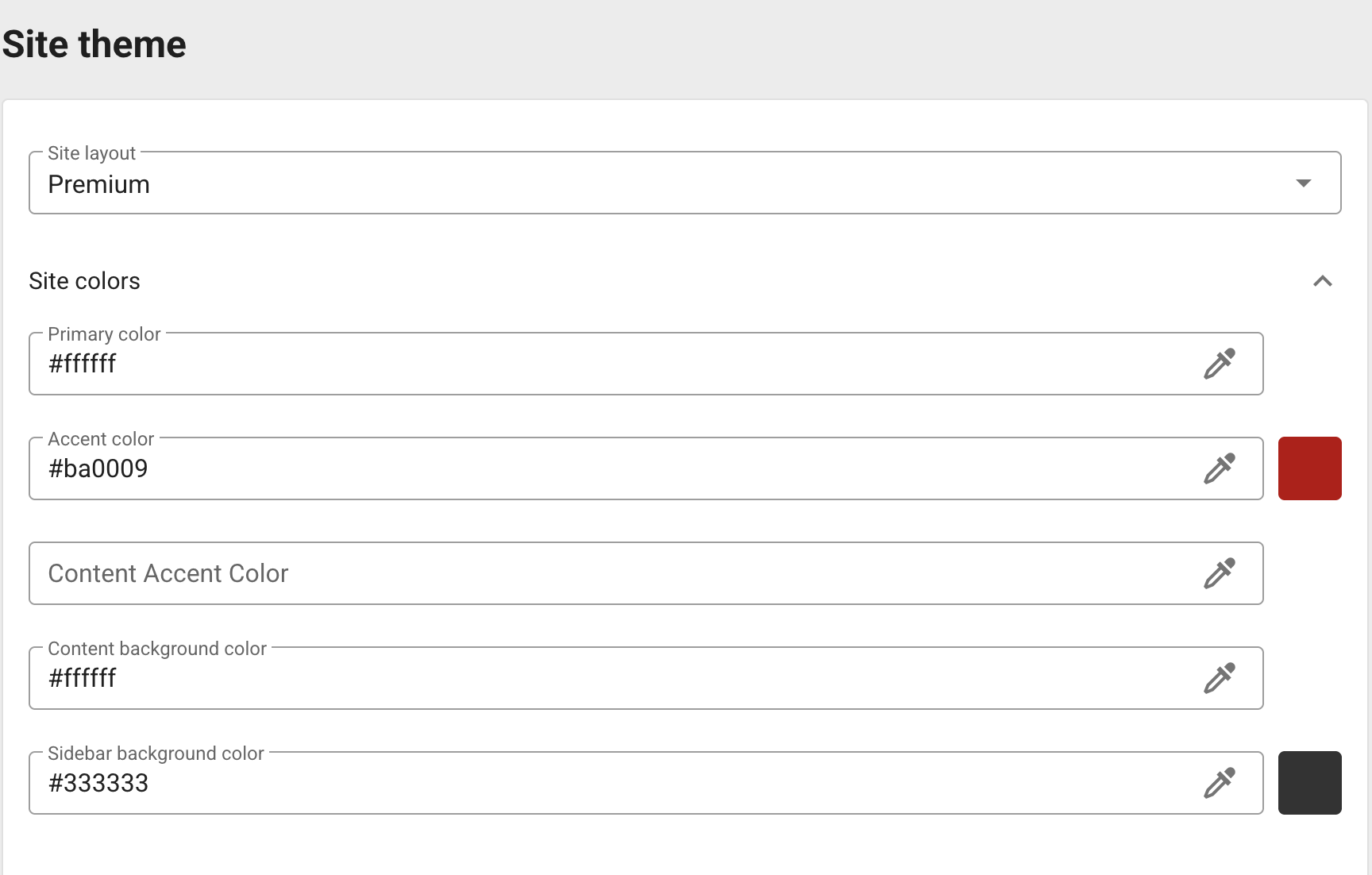
Choose a layout
Select one of the available site layouts:
- Application uses an application-like site layout.
- Premium uses the premium site layout.
Changing the layout can affect the placement of the header, menu, and content. Save the new layout and check the home page, a collection, and a game page before making further visual adjustments.
Configure colors and tiles
The theme has separate colors for the main palette, global accent, content accent, content background, and sidebar background. The accent colors are used for links, buttons, and highlighted controls. Use Preview game tiles radius to set the corner radius in pixels for game cards.

Check that text, controls, and disabled states remain readable against both content and sidebar backgrounds.
Configure the sidebar, header, and footer
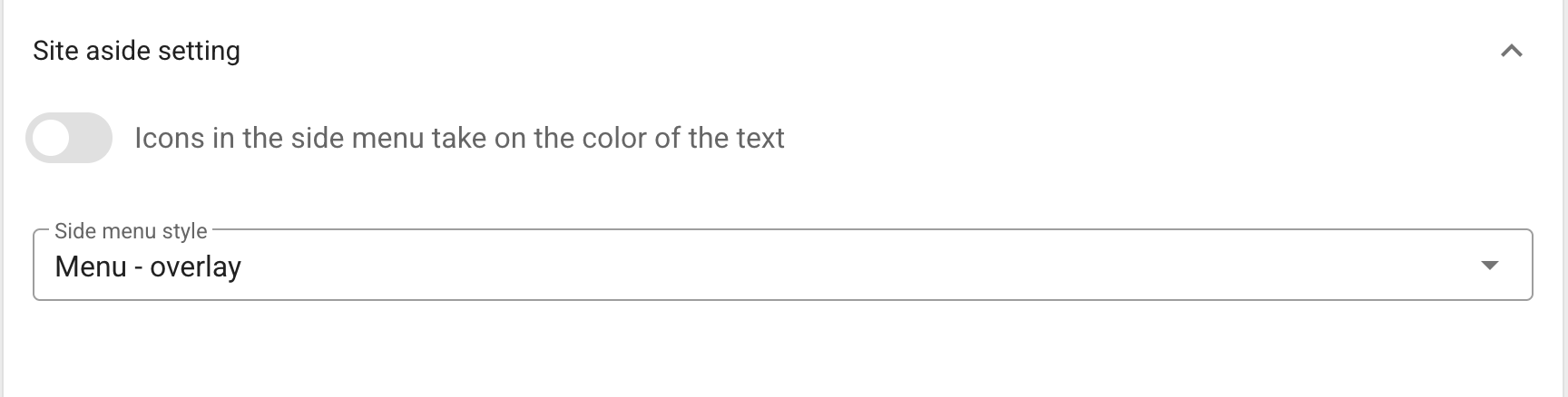
In Side menu, choose an overlay or slide-out menu and decide whether menu icons should inherit the text color.
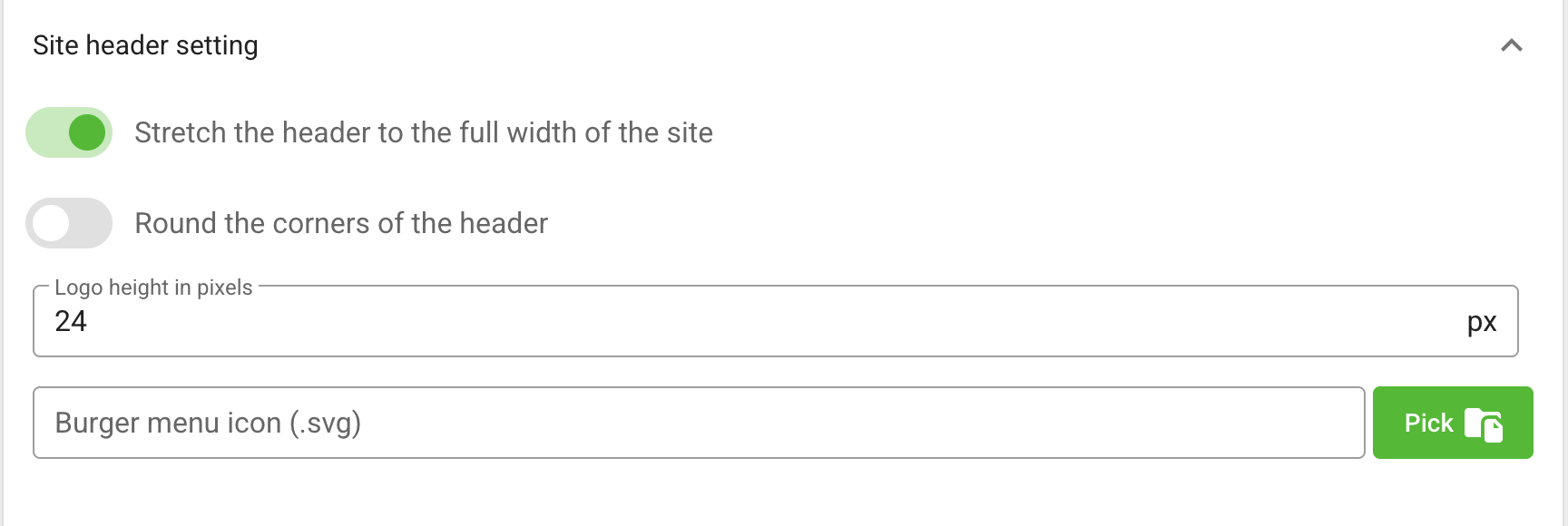
In Header, you can:
- stretch the header to the full site width;
- enable or disable rounded corners;
- set the logo height in pixels;
- upload a custom burger-menu icon in SVG format.
Enable Show custom footer when the site should render the footer configured for the platform. Its links are managed in Menus, while the footer text is set in Platform settings.

Add fonts and configure typography
The Fonts panel accepts WOFF2 files. For every file, specify the font family and the weight that the file contains. Add a separate source for every weight you plan to use.
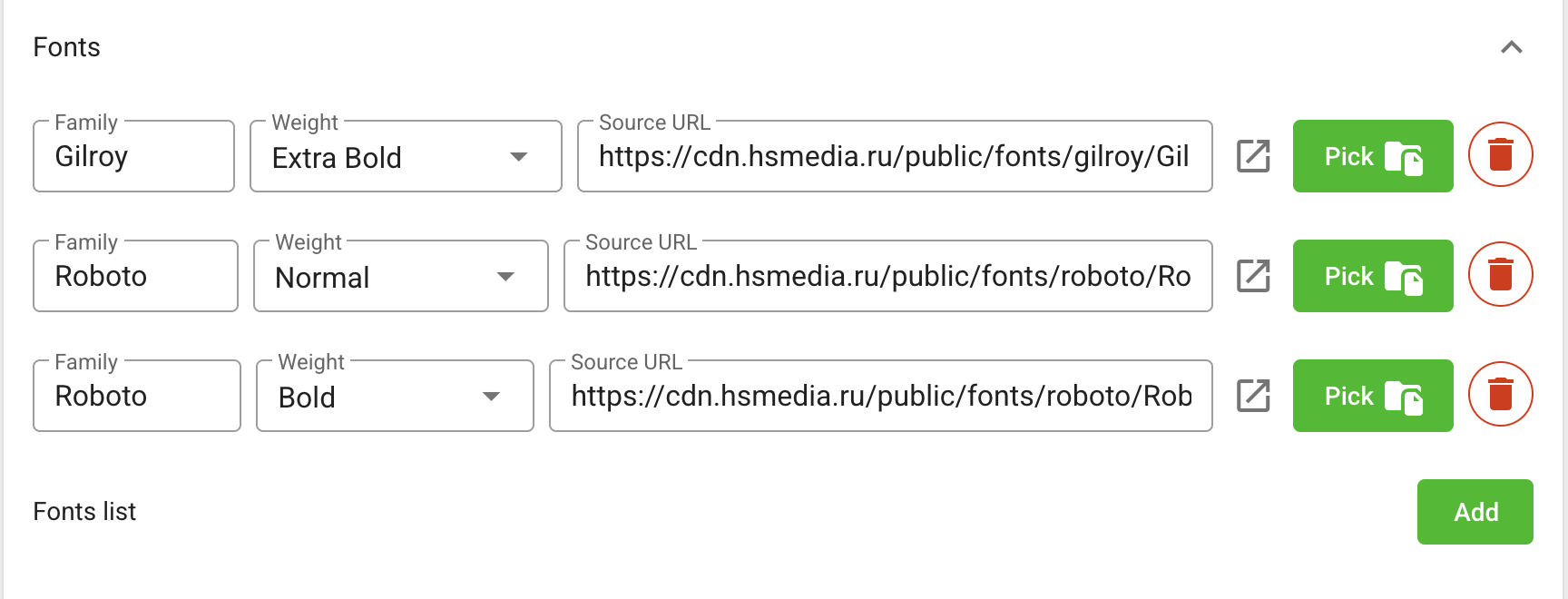
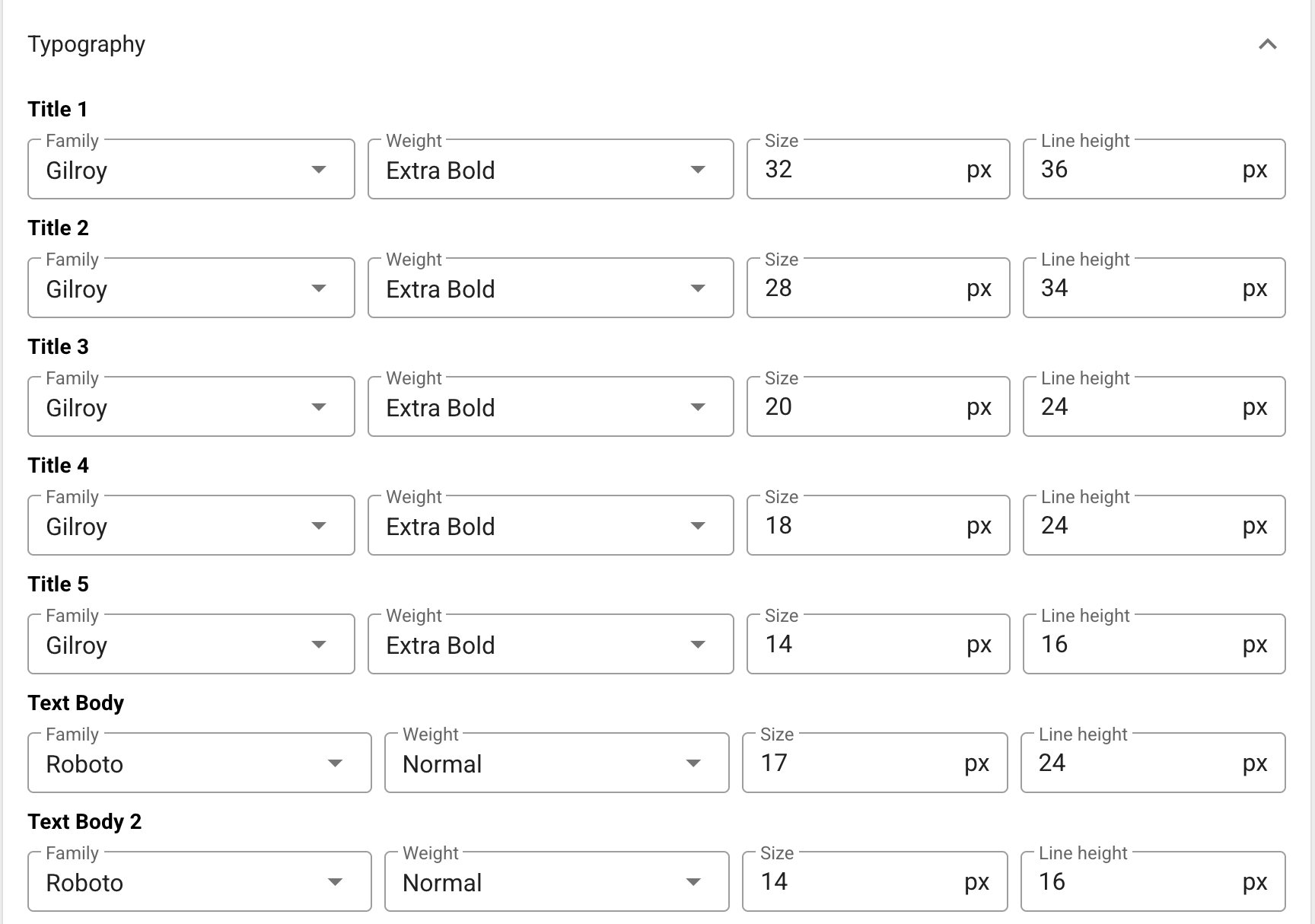
In Typography, configure the family, size, line height, weight, and letter spacing for five heading levels and two body-text styles. A custom font becomes available here after it is added to Fonts.
Save and check the result
Click Save changes, then open the site from the platform header. Check desktop and mobile widths, long localized titles, the sidebar, and the footer. Theme changes apply to the whole site, so verify more than the home page.