Intra-portal Currency
Intra-portal currency gives players one balance for platform products such as currency bundles, VIP benefits, and ad skipping. Open Intra-portal currency to configure the displayed currency and the products connected to it. Configure a payment provider in Platform settings before selling products for real money.
Personalize the currency
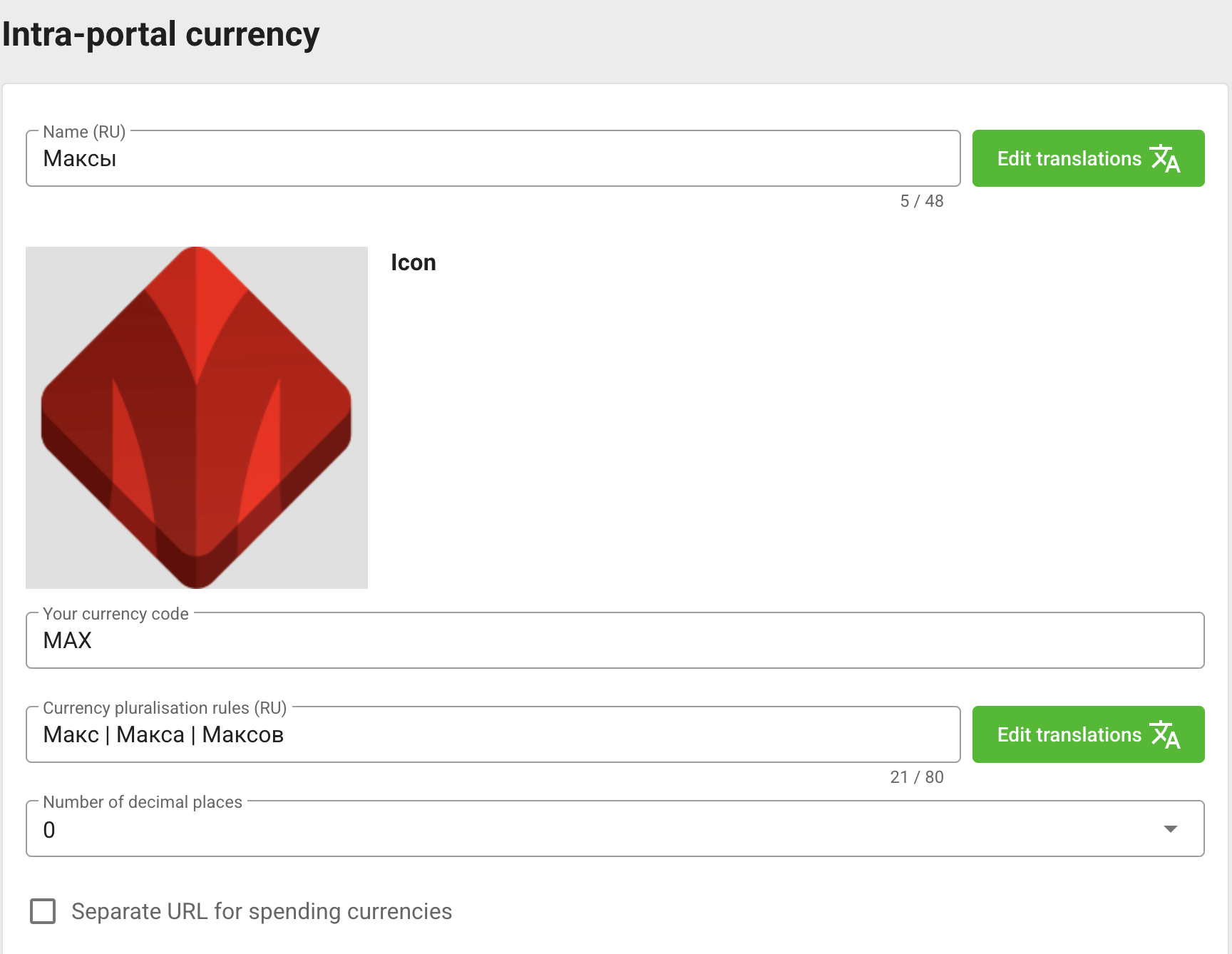
The currency form controls:
- localized name and 512 × 512 icon;
- short currency code;
- two or three localized plural forms separated with
|; - zero or two decimal places;
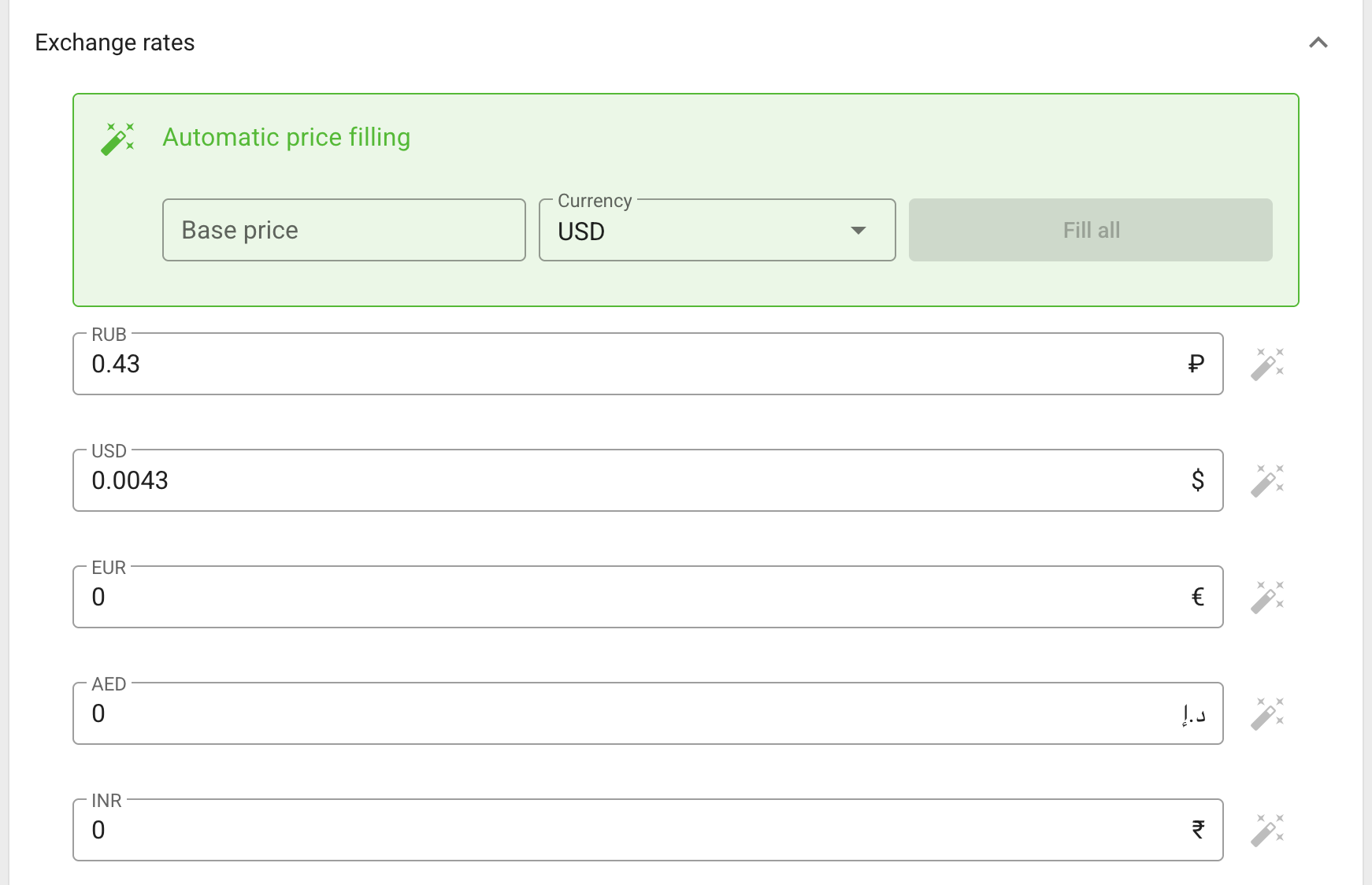
- exchange-rate values for the supported real currencies;
- an optional separate relative URL where players can spend the currency.
The price conversion control can fill exchange-rate fields from a base real-money amount. Review the proposed values in the confirmation window before applying them. Click Save changes to store the currency separately from the products below it.
Currency bundles
A currency bundle sells a fixed amount of intra-portal currency. For every bundle, configure:
- localized name and description;
- the number of currency units granted;
- product identifiers for the attached payment configurations;
- real-money prices by currency;
- an icon.
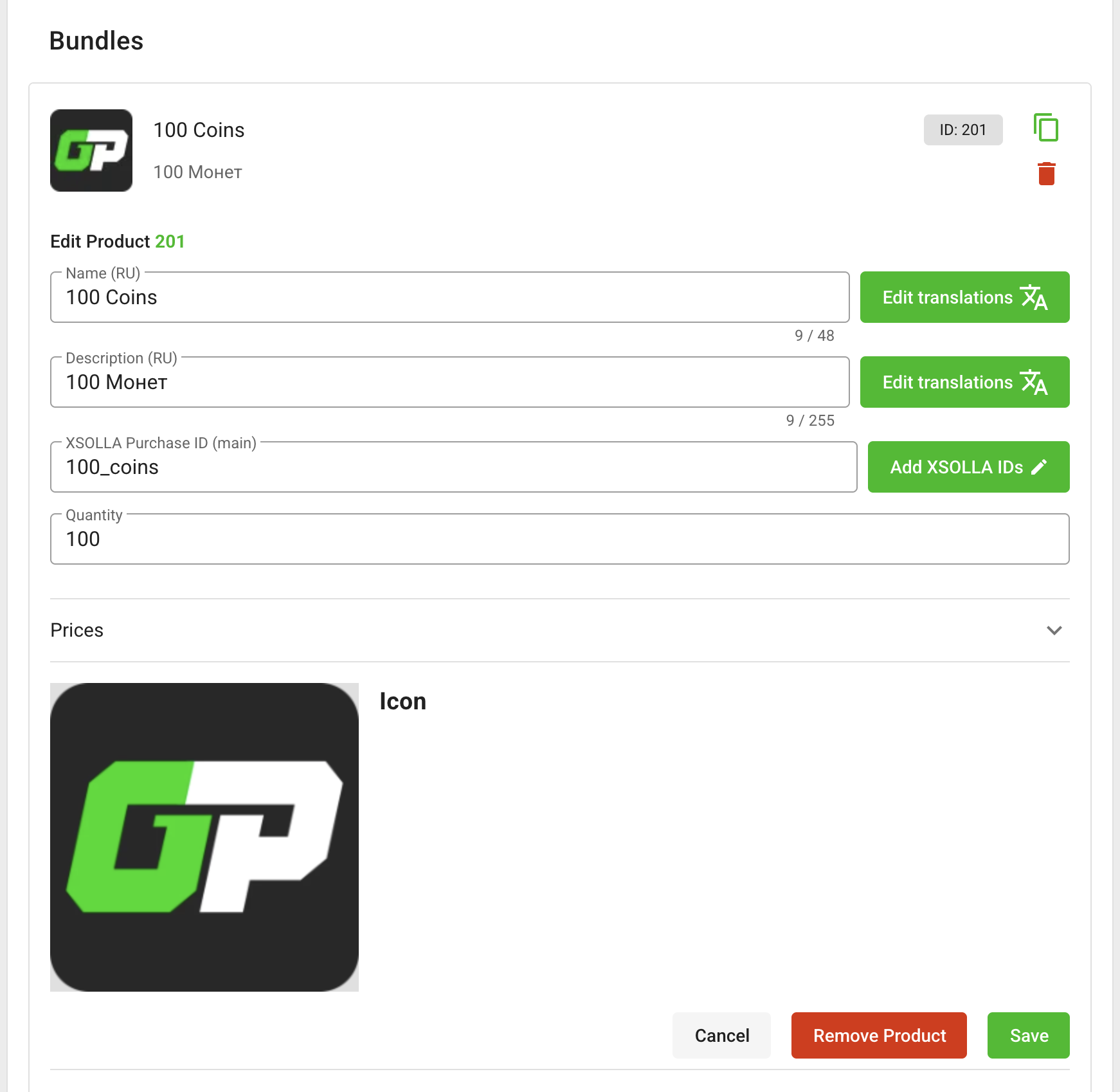
Bundles can be created, edited, cloned, and removed independently. Provider product identifiers and prices must match the products created in the payment provider. See Payment providers for provider-side setup.
VIP products
A VIP product can combine the following benefits:
- disable ads inside games;
- disable advertising on the platform site;
- grant currency every day;
- grant bonus currency when purchased.
Set the localized name, description, icon, payment-provider product identifiers, and real-money prices. Create separate VIP products when you need different combinations of benefits or prices.
Ad skipping
The ad-skipping product sets the amount of intra-portal currency charged when a player skips a supported rewarded ad. Configure its localized name, description, icon, provider product identifiers, and currency cost.
Only one ad-skipping product can exist on a platform. The site can also let the player enable automatic skipping in their profile; every successful skip charges the configured amount.
After changing products, open the shop on the platform site and verify names, icons, currency formatting, prices, and the resulting player balance.