Platform Settings
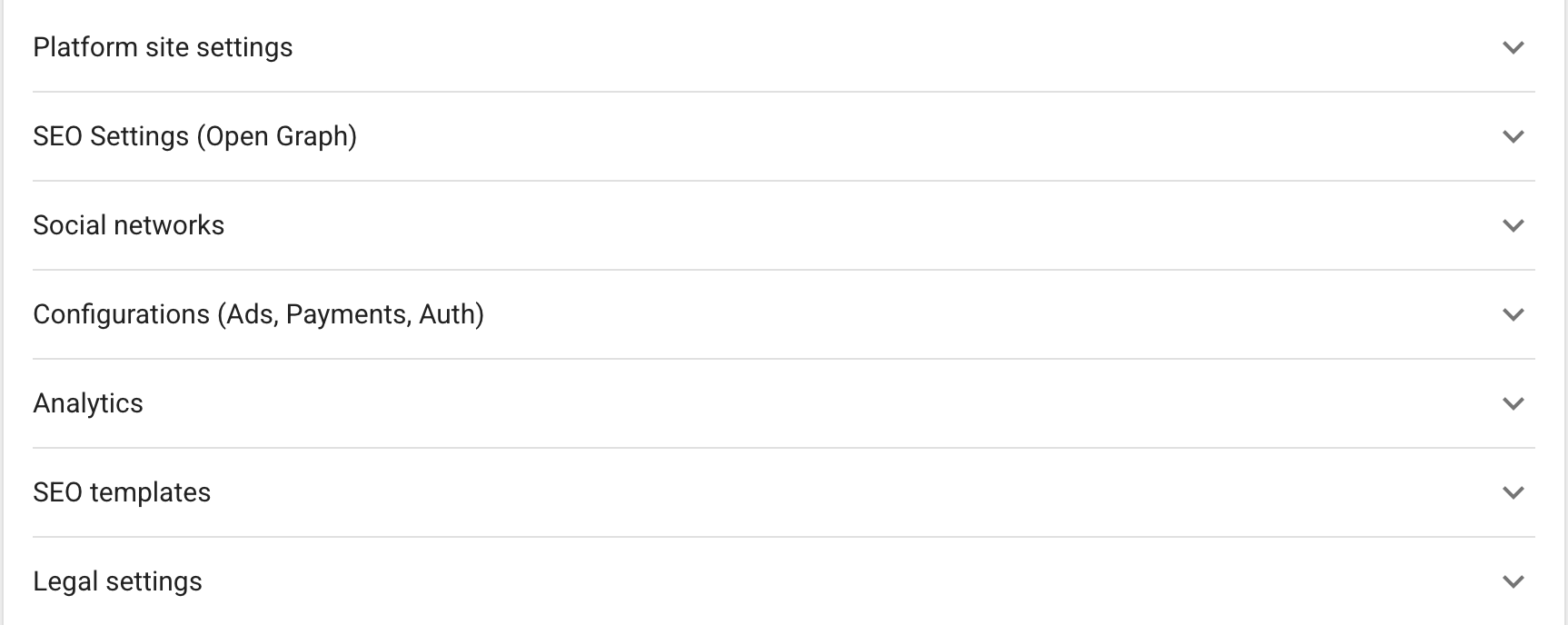
Platform settings are the central configuration for the storefront identity, behavior, SEO, analytics, and connected services. Open the platform and select Public Zone; the values on this page are used throughout the site.
Basic information
Configure the platform URL and API URL only when the platform connection changes. The White-label API endpoint and access rules are described in White-label API.
Fill in the following site information for every supported language:
- platform name, title, and description;
- supported languages and server timezone;
- square logo, full desktop logo, and favicon.
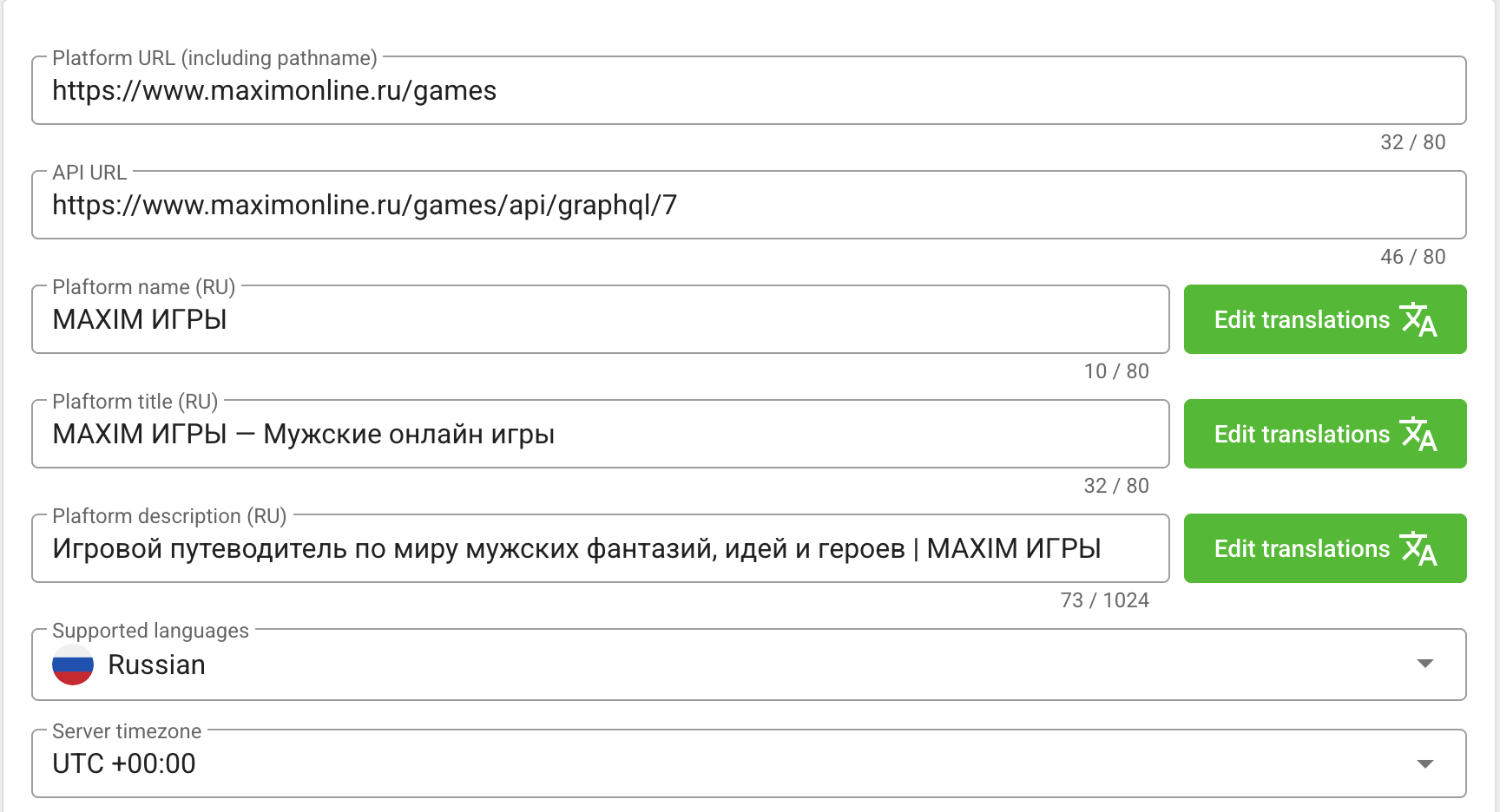
The square logo is cropped to 512 × 512 pixels. The full logo has no required aspect ratio in the form. The favicon field accepts a URL to an ICO file.
Site behavior
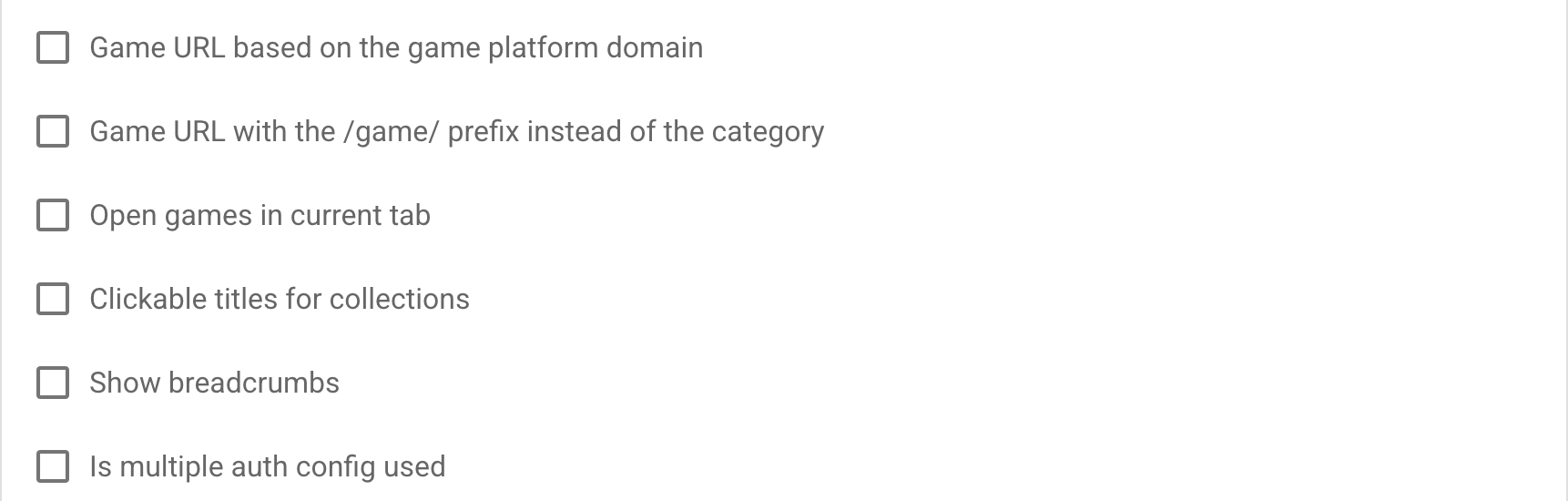
Expand Platform site settings to configure navigation and game behavior:
| Setting | Effect |
|---|---|
| Game URL based on the platform domain | Uses the platform domain when building game URLs. |
/game/ prefix instead of a category | Uses a stable game prefix instead of the default category slug. |
| Open games in current tab | Keeps the player in the same browser tab when a game starts. |
| Clickable collection titles | Allows collection headings to open their collection pages. |
| Show breadcrumbs | Displays breadcrumb navigation on supported pages. |
| Use multiple authentication configurations | Makes several configured login providers available to the site. |
SEO and social networks
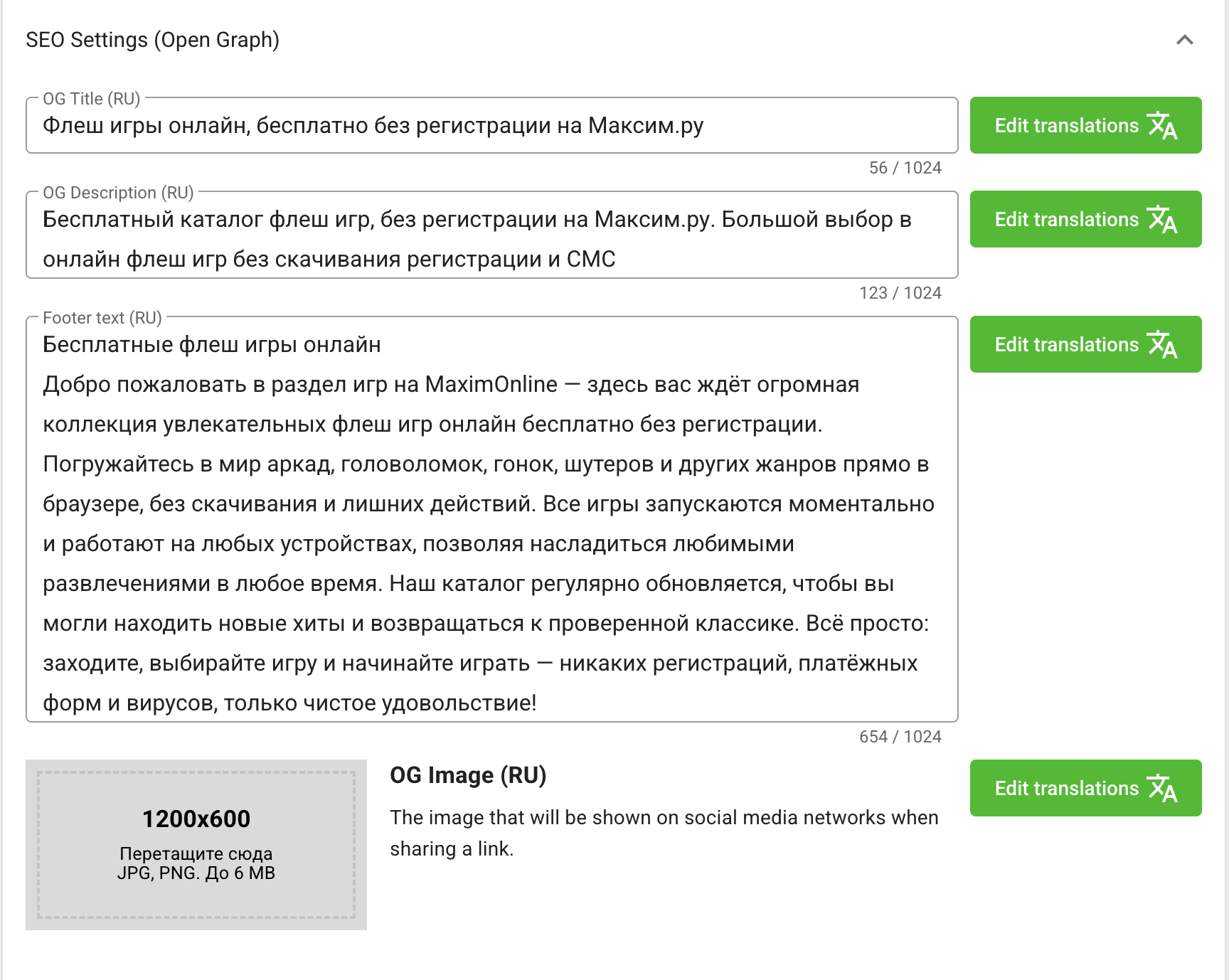
In SEO Settings (Open Graph), set a localized OG title, description, sharing image, and footer text. The recommended OG image size in the form is 1200 × 600 pixels.
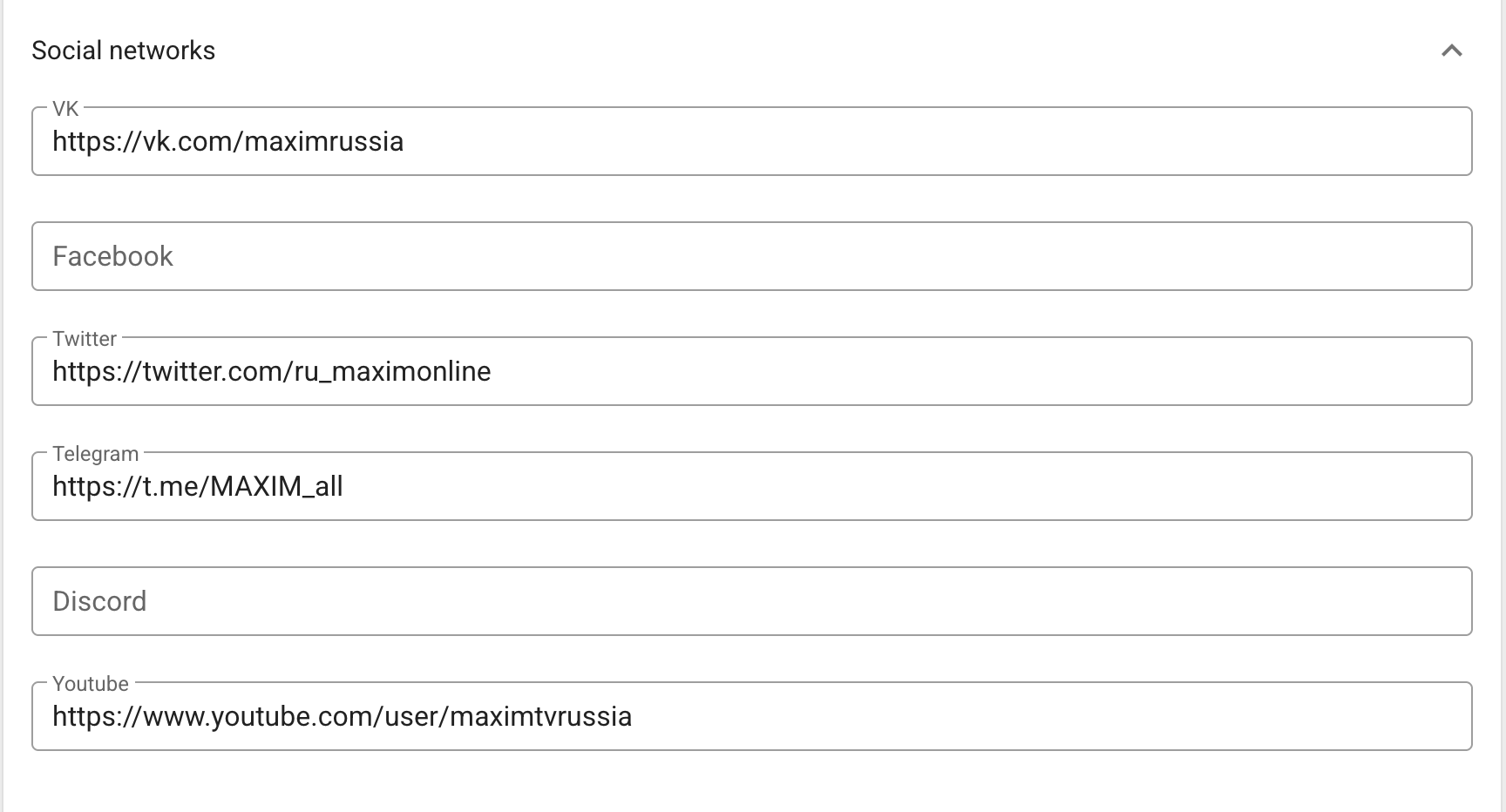
Add full URLs for Facebook, Twitter, VK, Telegram, Discord, and YouTube in Social networks. Leave a network empty if it should not be shown.
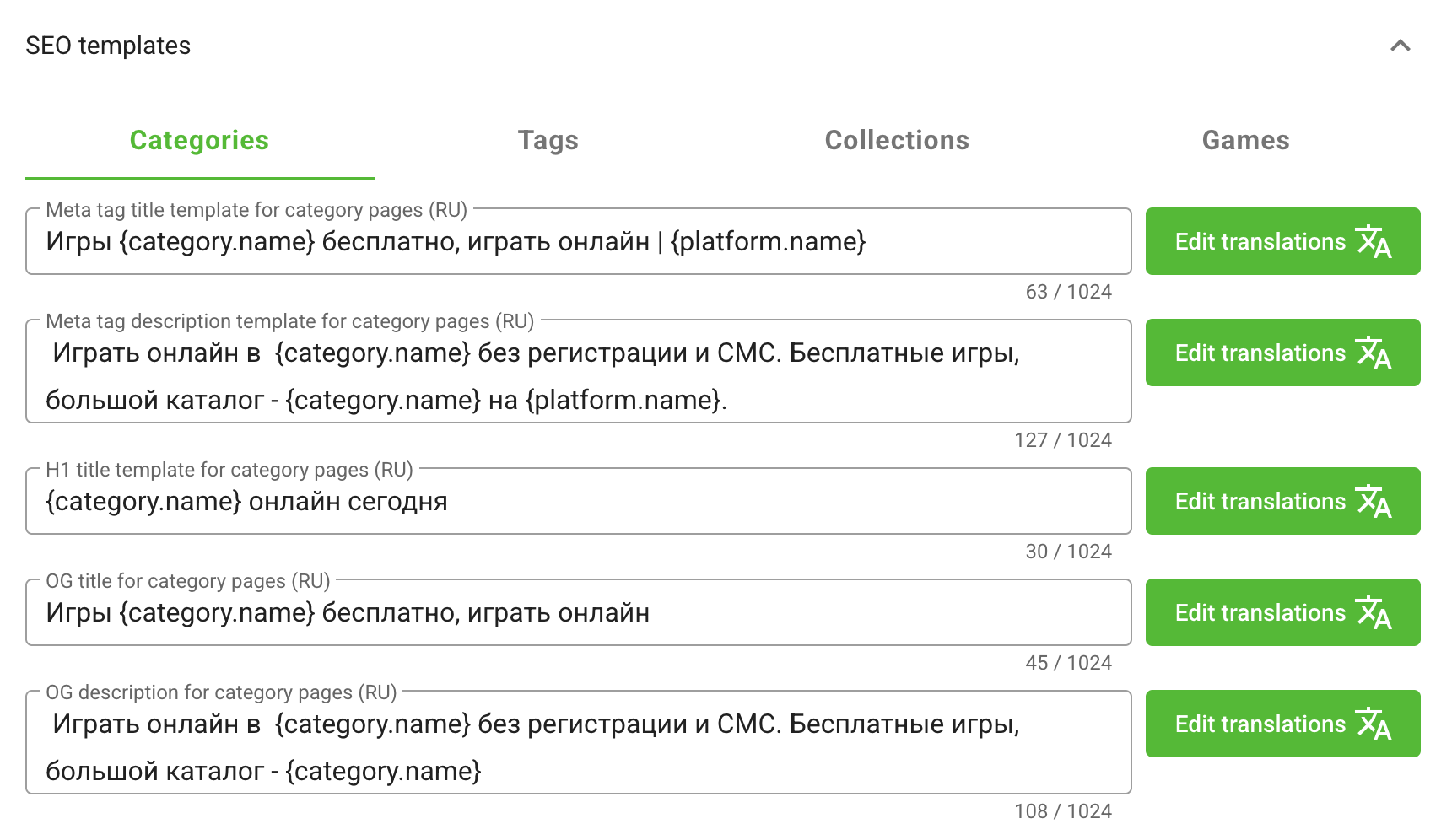
Use SEO templates to define the meta title, meta description, H1, OG title, and OG description for game, category, tag, and collection pages. The form shows the available entity placeholders for every template type. An individual page or entity can override its generated Open Graph fields.
Advertising, payments, and authentication
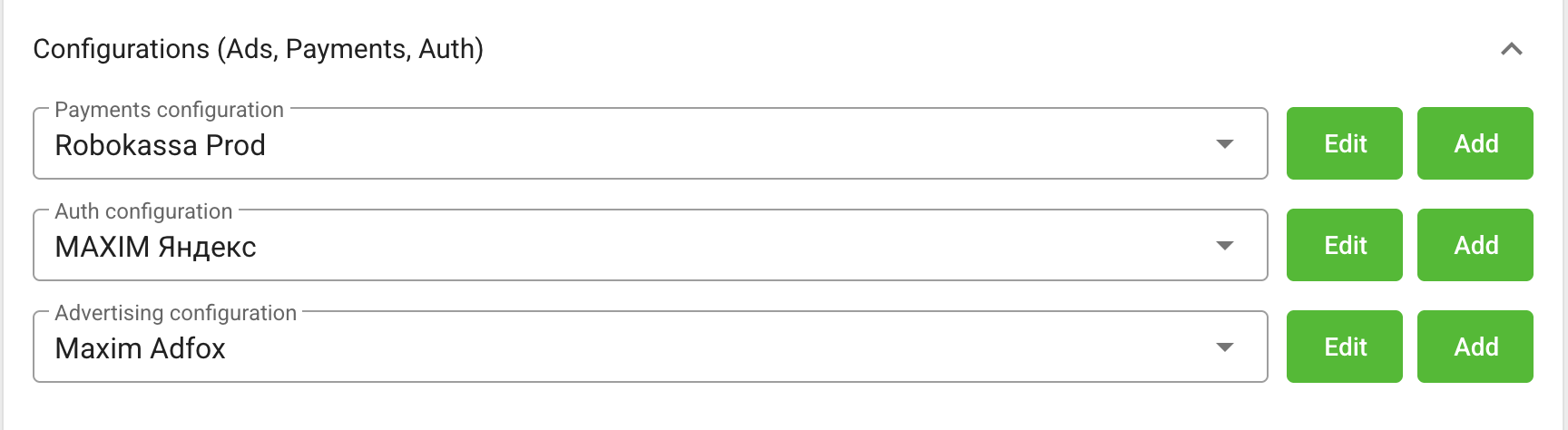
Expand Configurations (Ads, Payments, Auth) to select, create, or edit the service configurations attached to the platform site. The available web authentication providers are Xsolla, Google, Yandex, and VK ID.
Use the shared provider guides for credentials and provider-side setup:
After creating or selecting a configuration, save the platform form as well. Credentials entered into a provider configuration must not be copied into client code for the site.
Analytics
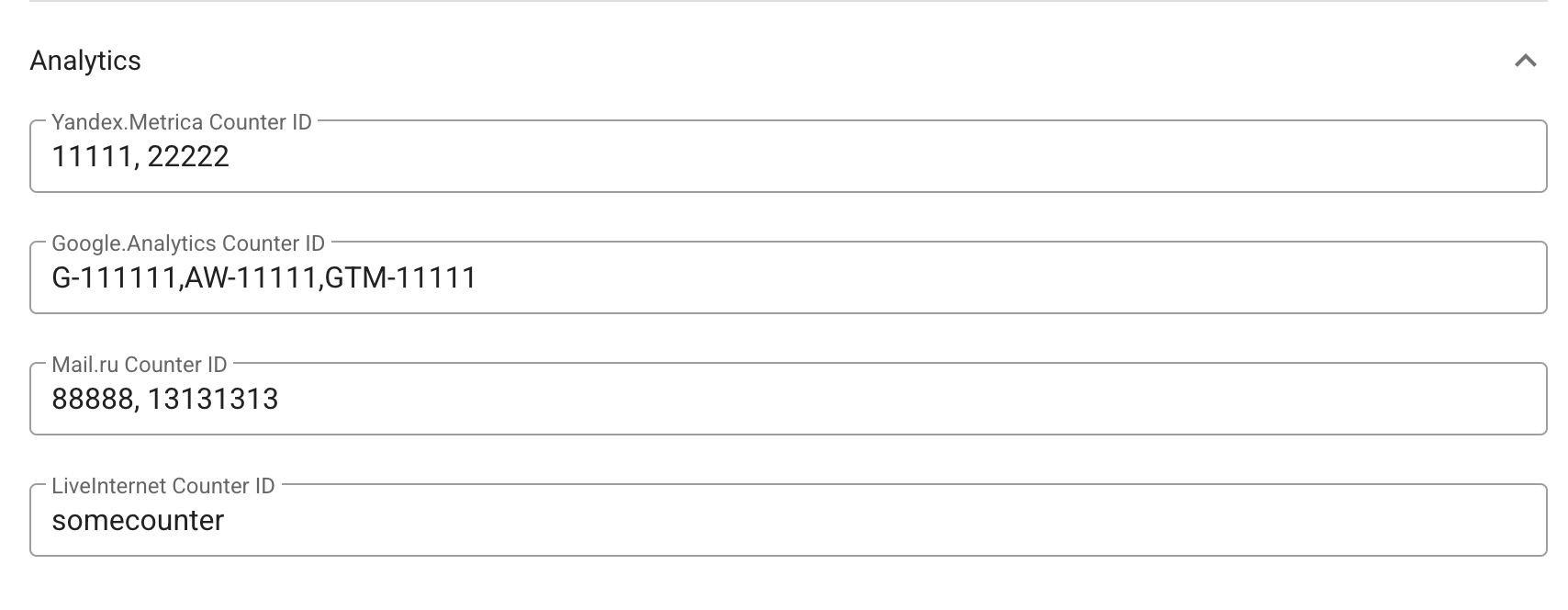
The Analytics panel accepts:
- one or more Yandex Metrica counter IDs, separated by commas;
- one or more Google tag IDs (Google Analytics, Google Ads, or Google Tag Manager), separated by commas;
- one or more Mail.ru counter IDs, separated by commas;
- one or more LiveInternet counter slugs, separated by commas.
For LiveInternet, enter the slug after hit;, not the full counter URL.
Legal settings
Specify the localized legal company name and enable the privacy-policy consent checkbox when it must be shown before registration.

Create the legal documents and assign the privacy policy and personal-data consent pages in Pages.
Click Save changes after editing any section on this page.