Collections
A collection is a reusable, dynamically updated list of games. Use collections to build sections such as new releases, popular games, or recommendations; a collection can be placed on a page, opened as a separate site route, or added to a menu.
Create a collection
- Open Game collections in the platform menu.
- Click Create, enter a name of up to 40 characters, and confirm.
- Open the new collection from the list and complete its settings.
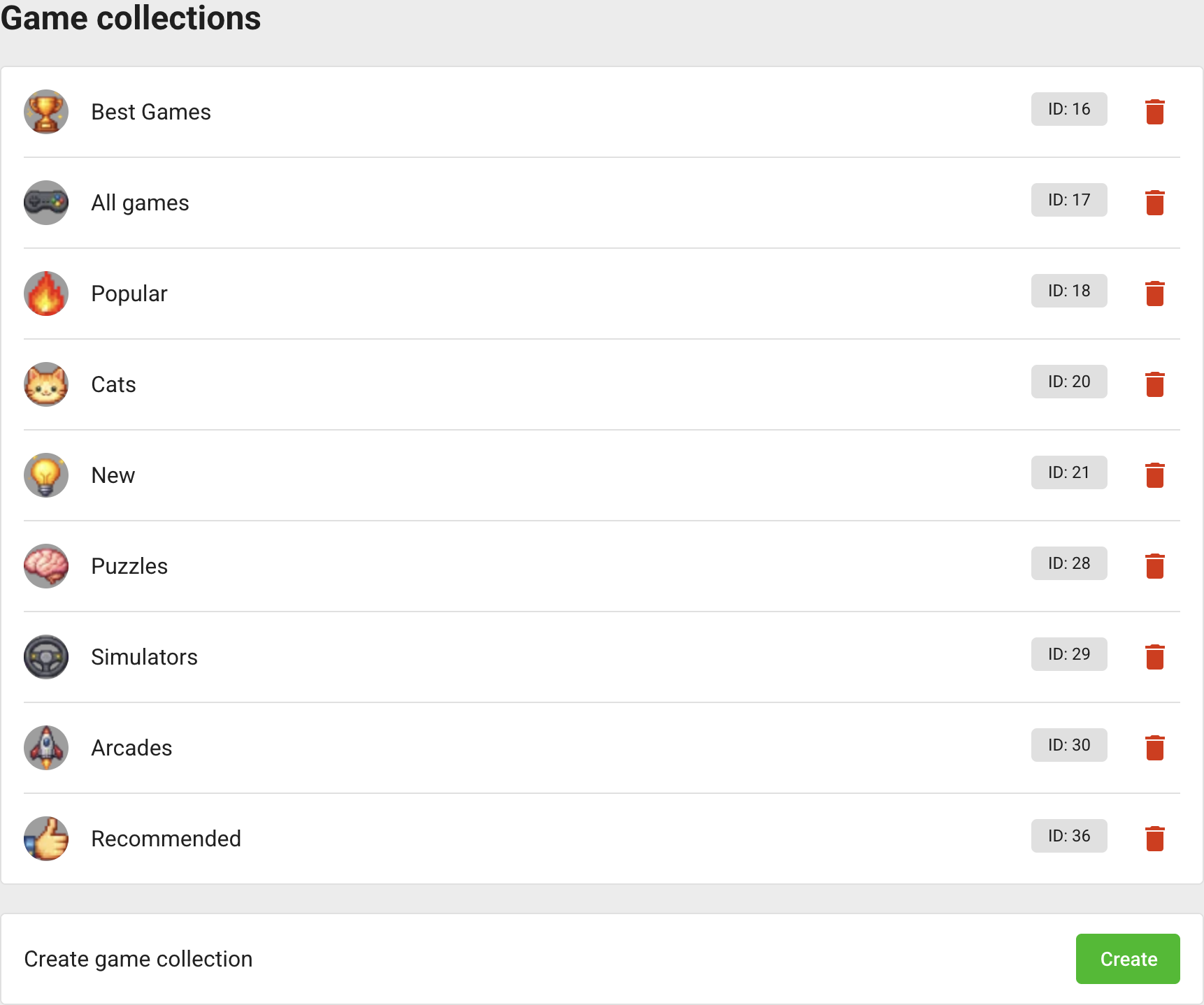

Creating a collection does not publish it automatically.
Configure appearance
On the collection page, configure:
- Published — whether the collection is available on the site;
- localized name and description;
- localized 128 × 128 icon and 1920 × 1080 cover;
- localized slug containing letters, numbers, hyphens, or underscores.
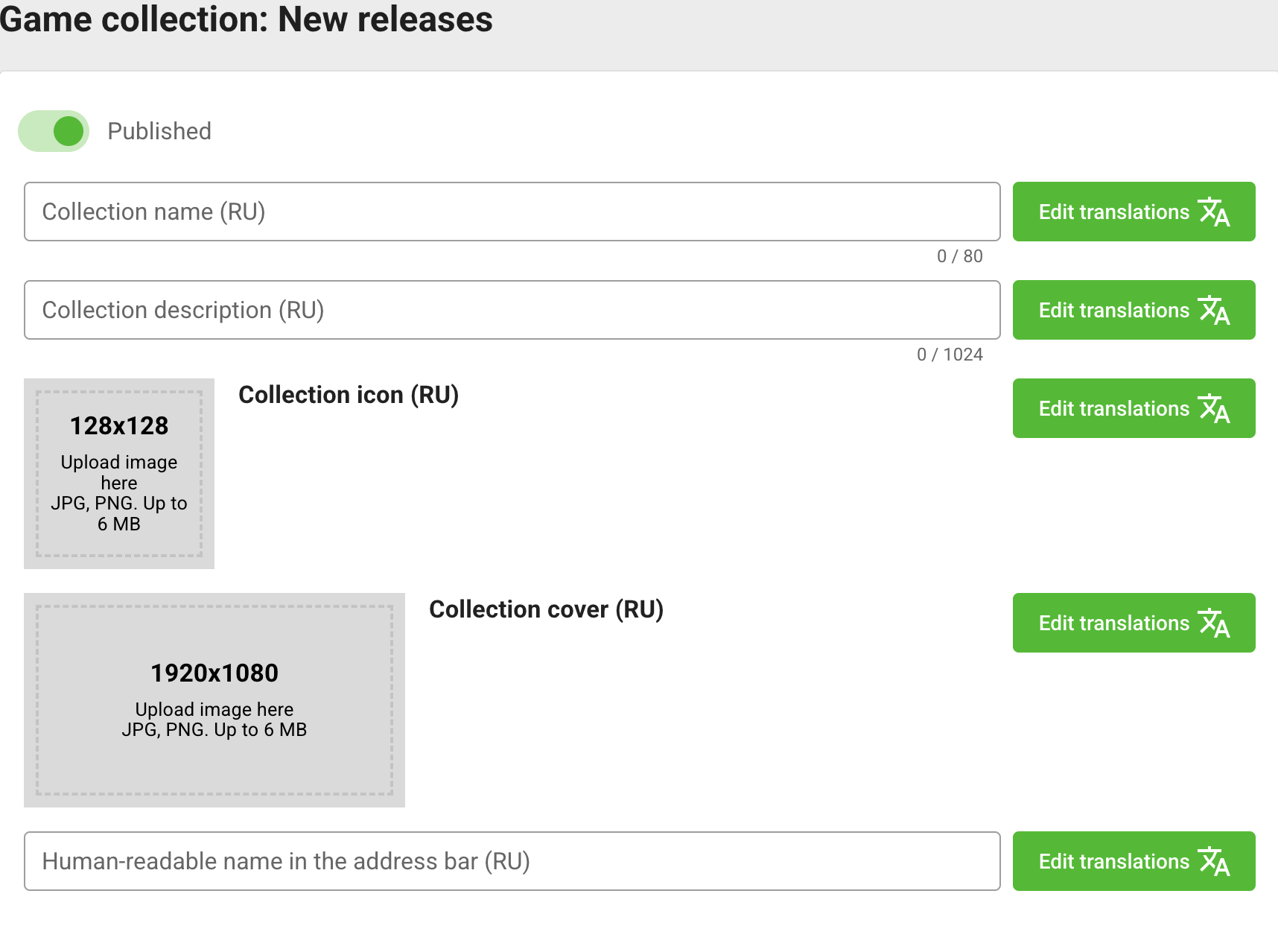
Keep slugs unique within the platform site and avoid changing them after external links have been published.
Configure SEO
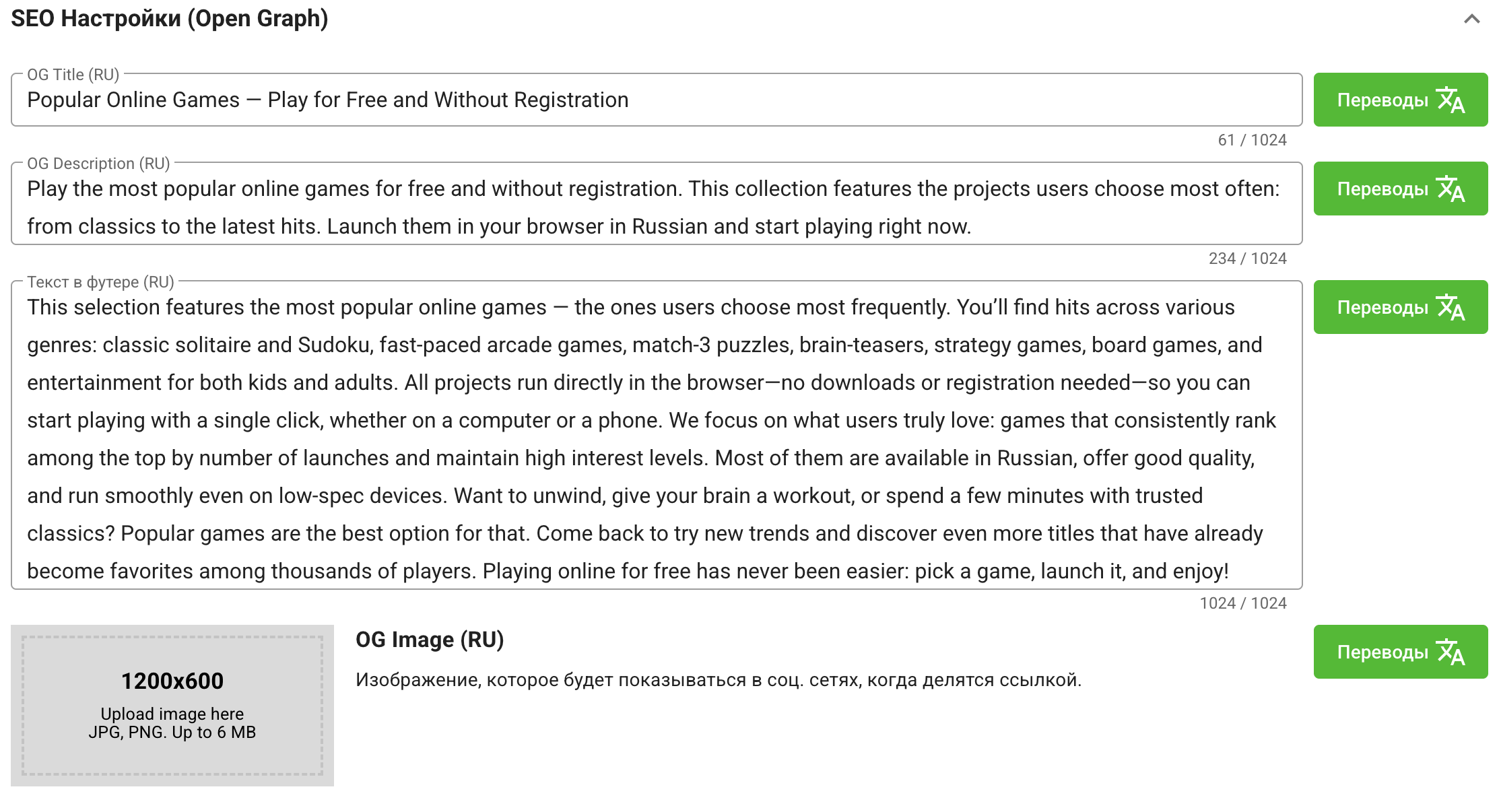
Expand SEO Settings (Open Graph) and fill the following fields for every platform language:
- OG Title — the collection title used when its link is shared;
- OG Description — the short description for the shared link;
- Footer text — additional content displayed after the collection's game list;
- OG Image — the 1200 × 600 image used for link previews.
Use Edit translations to switch between languages. Keep the title and description concise, and use the footer text for a useful description of the collection rather than a list of keywords.
Configure filters
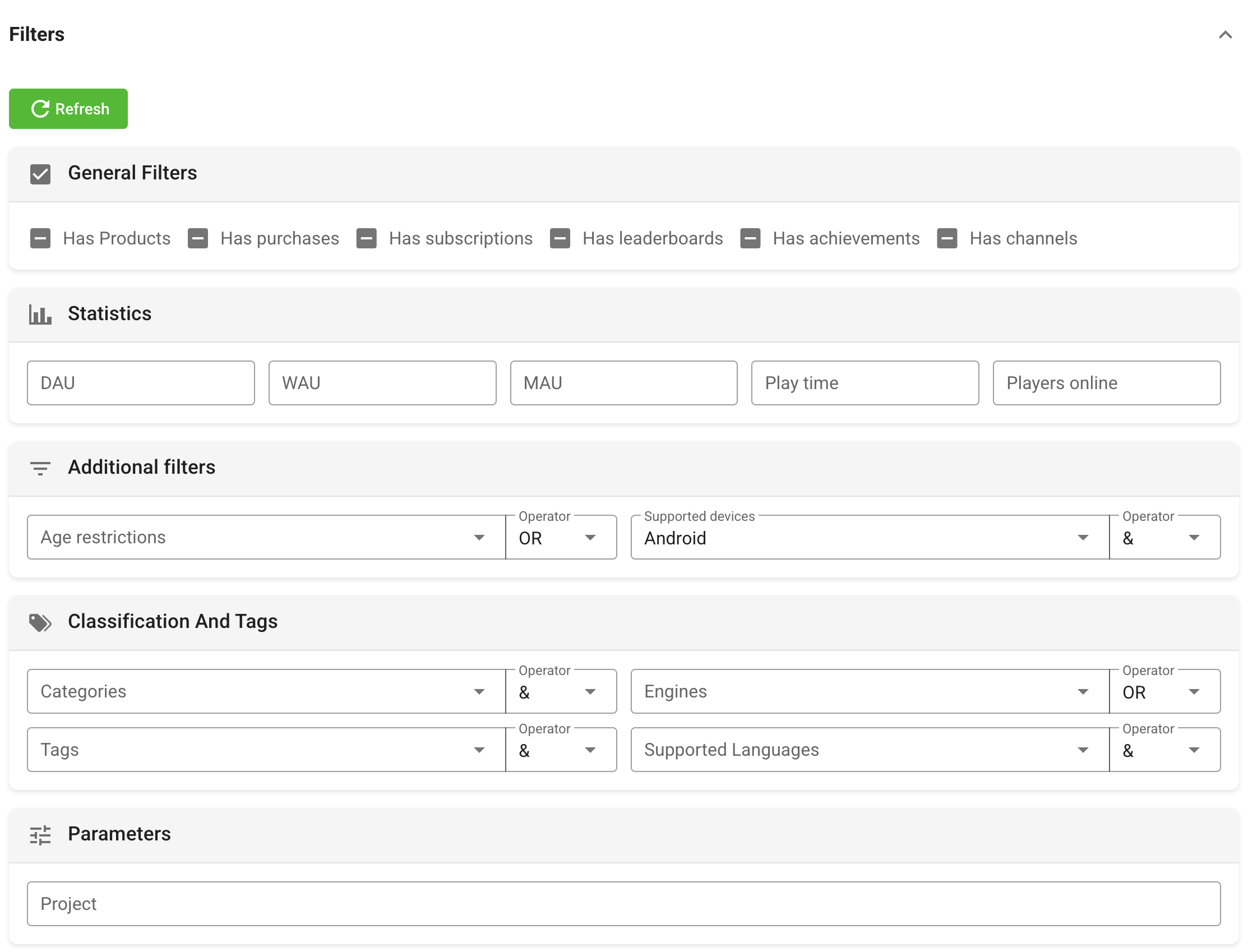
Expand Filters. Games matching these settings form the dynamic part of the collection.
| Filter group | Available settings |
|---|---|
| General | Has products, payments, subscriptions, leaderboards, achievements, or chats. Each feature filter can include, exclude, or ignore the feature. |
| Statistics | Minimum DAU, WAU, MAU, play time, and average players online. Zero or an empty field does not restrict the collection. |
| Additional | Age restrictions and supported devices. |
| Classification | Categories, tags, engines, and supported languages, with the condition offered by the field. |
| Parameters | Search by project or game name. |
Click Refresh after changing filters when you want to reload the matching list immediately.
Sort, pin, or hide games
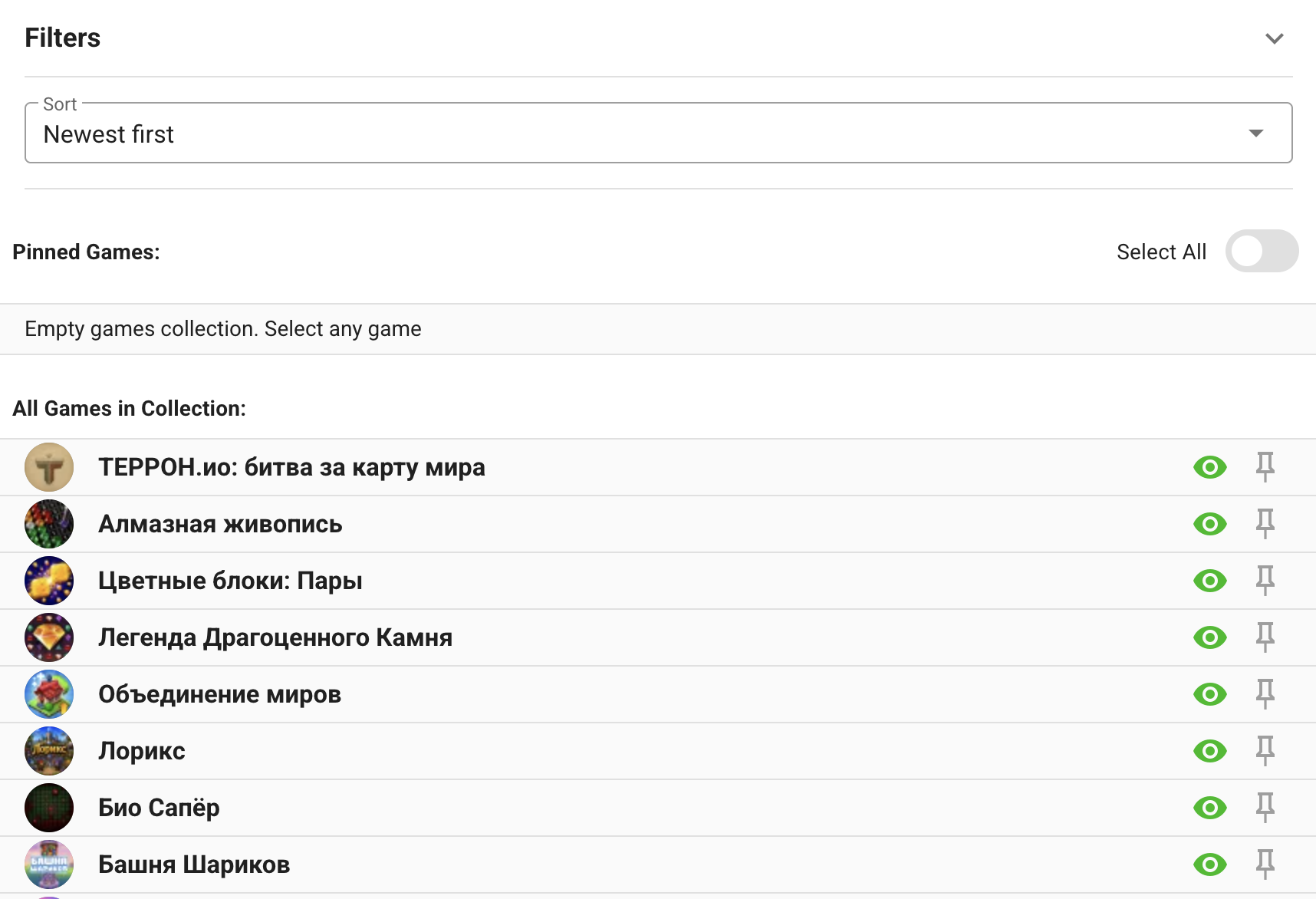
Choose the default sorting: newest, MAU, online, rating, or relevance.
For example, Newest first keeps a new-releases collection current without manually rearranging it. Use Top MAU first for a popular-games section and Top rating first for recommendations. The selected order can be overridden by an individual page block.
The lists below the filters provide two overrides:
- Pinned Games always belong to the collection and can be reordered by dragging.
- The eye button hides a game from the collection even when it matches the filters.
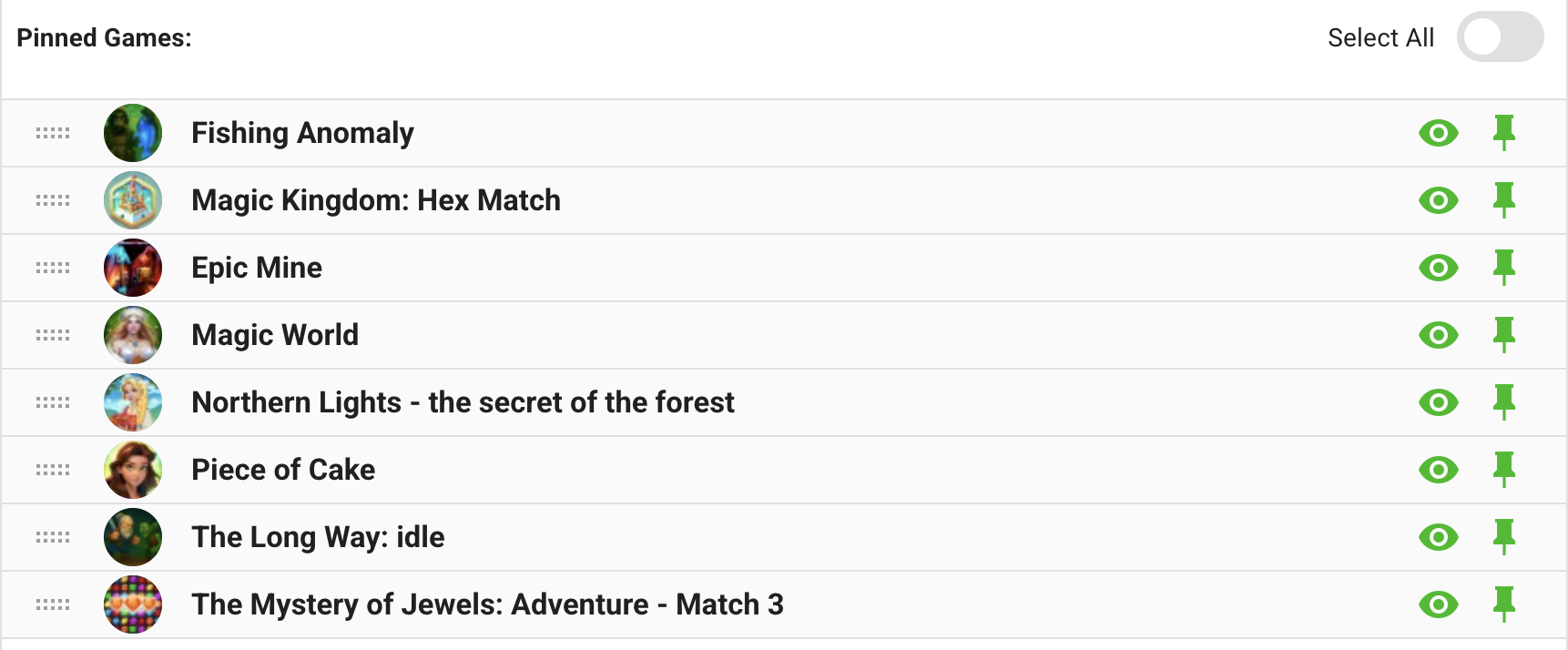
The remaining list shows games currently returned by the collection filters. Pin only the games that require a fixed position; let the filter provide the rest of the list dynamically.
Click Save changes after editing the collection.

Delete a collection
You can delete a collection from the collection list or from its edit page. Deleting it also makes menu items or page blocks that refer to its ID invalid. Remove or replace those references before deletion.